Modern QR Code Scanner
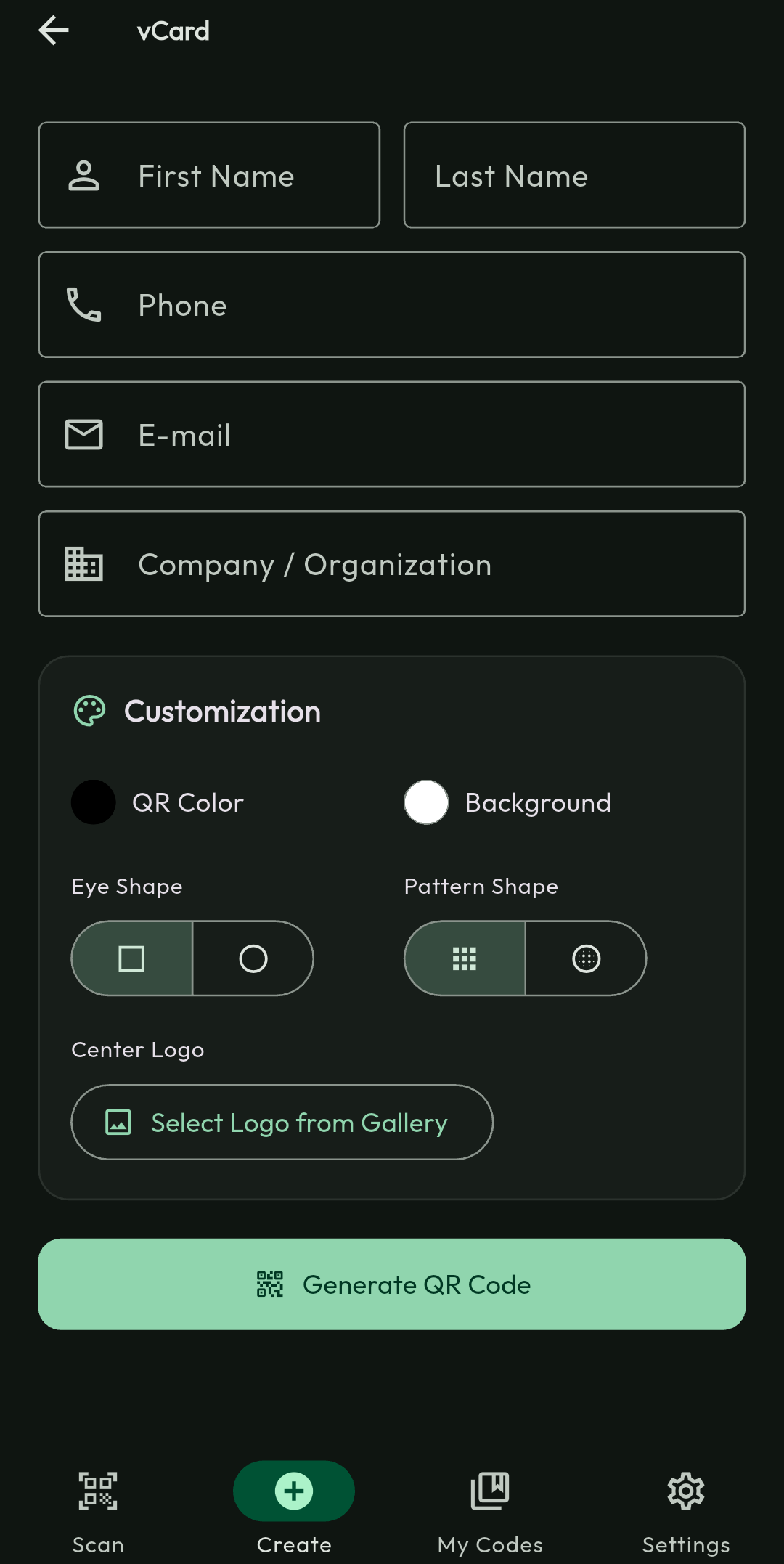
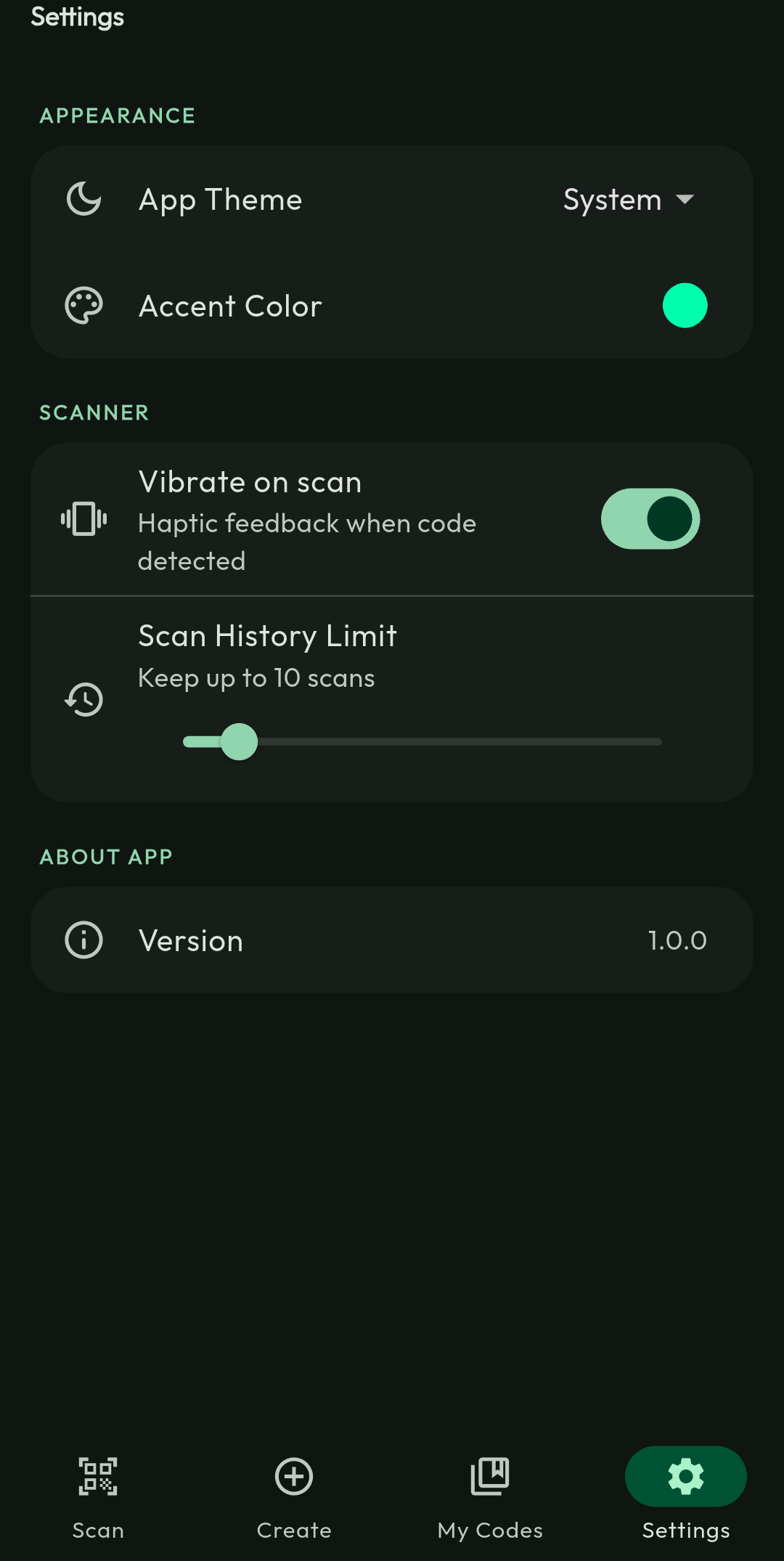
A downloadable Scanner for Android
📱 Android APK Install Guide
Thank you for downloading QRScanner!
Follow these quick steps to install and start scanning in seconds.
1️⃣ Download the APK
Click Download and save QRScanner.apk (~65MB) to your device.
2️⃣ Enable Installation from Unknown Sources
To install the app manually:
- Go to Settings
- Open Security (or Privacy)
- Tap Install unknown apps
- Select your browser (Chrome / Edge / etc.)
- Enable Allow from this source
3️⃣ Install the App
- Open the downloaded QRScanner.apk
- Tap Install
- Wait a moment
- Tap Done or Open
4️⃣ Launch & Grant Permission
When you open the app for the first time:
- Allow Camera Permission
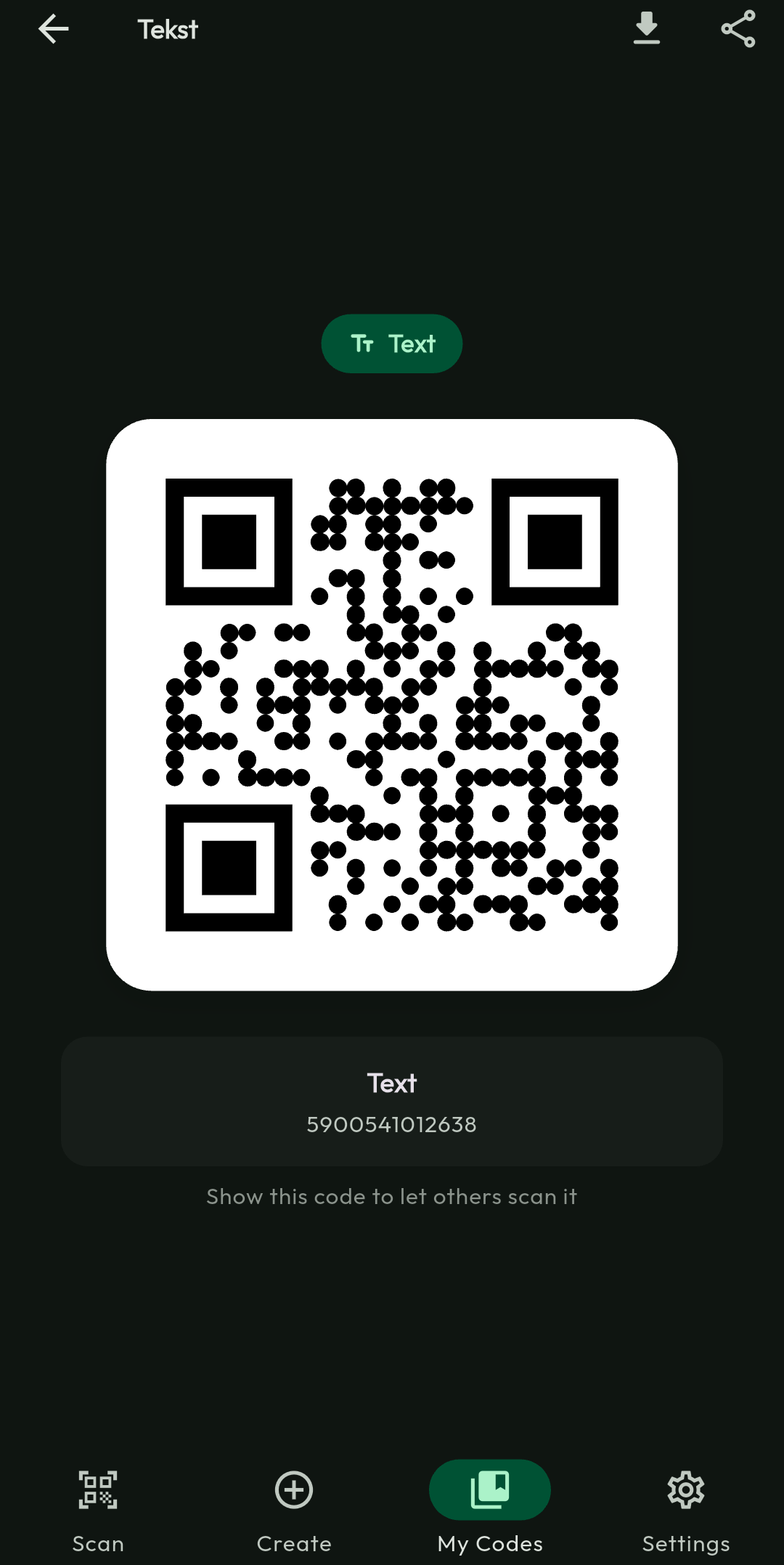
- Start scanning instantly 🔍
🔒 Is It Safe?
- ✔ No ads
- ✔ No trackers
- ✔ No background data collection
- ✔ Uninstall anytime
Your privacy matters.
🛠 Troubleshooting
"App blocked" message?
Settings → Apps → Special app access → Install unknown apps → Enable permission for your browser.
Updating the app?
Download the new APK version and install it — it will automatically replace the old one.
✨ Enjoy fast and simple QR scanning!
Download
Click download now to get access to the following files:
Leave a comment
Log in with itch.io to leave a comment.